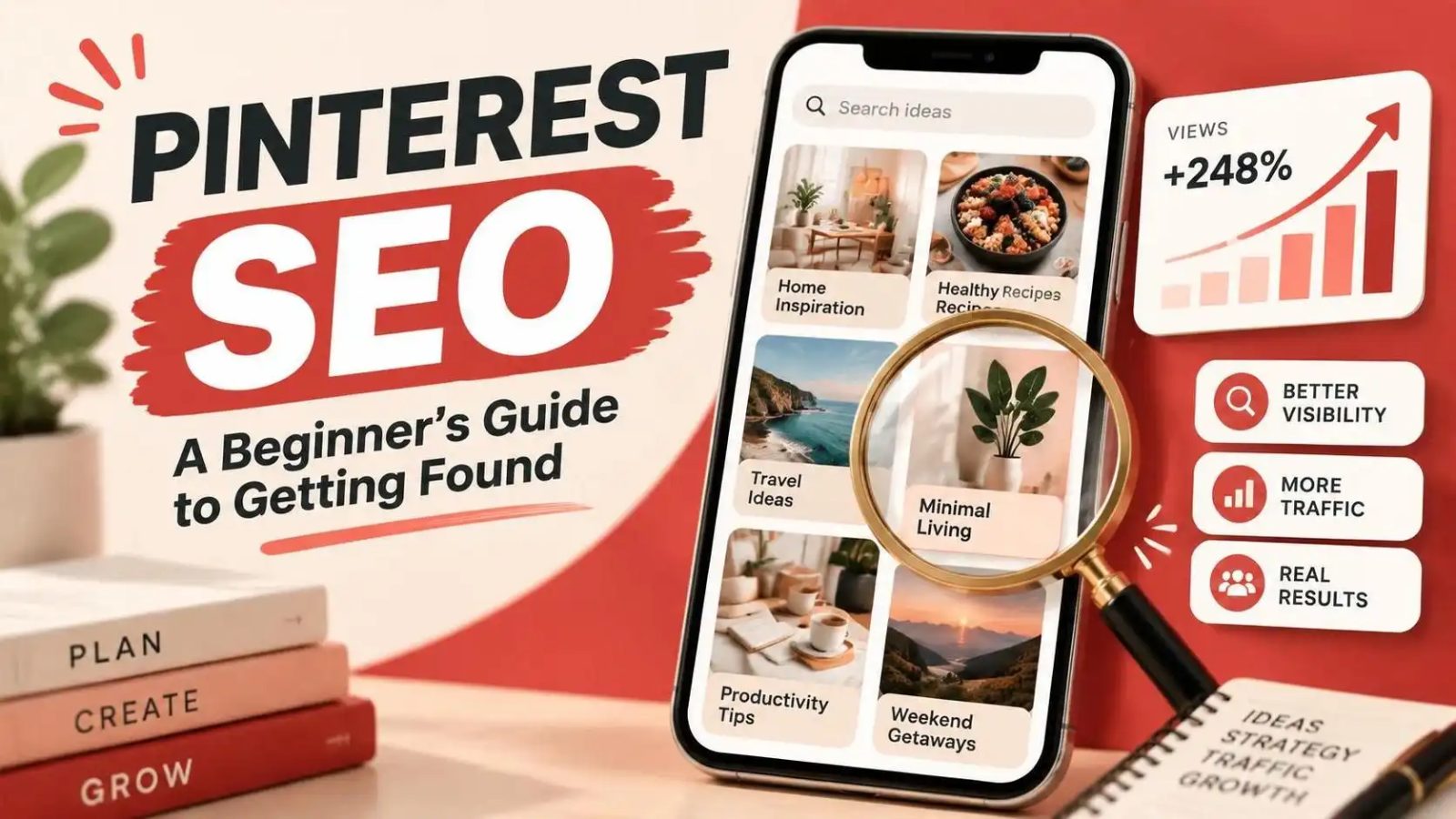
Pinterest SEO: A Beginner’s Guide to Getting Found
Learn how to optimize your pins for search with our beginner's guide to Pinterest SEO
ReadAvoid common mistakes and optimise your Pinterest profile for better visibility and engagement
 PinPower TeamWriting about pins, search and slow growth
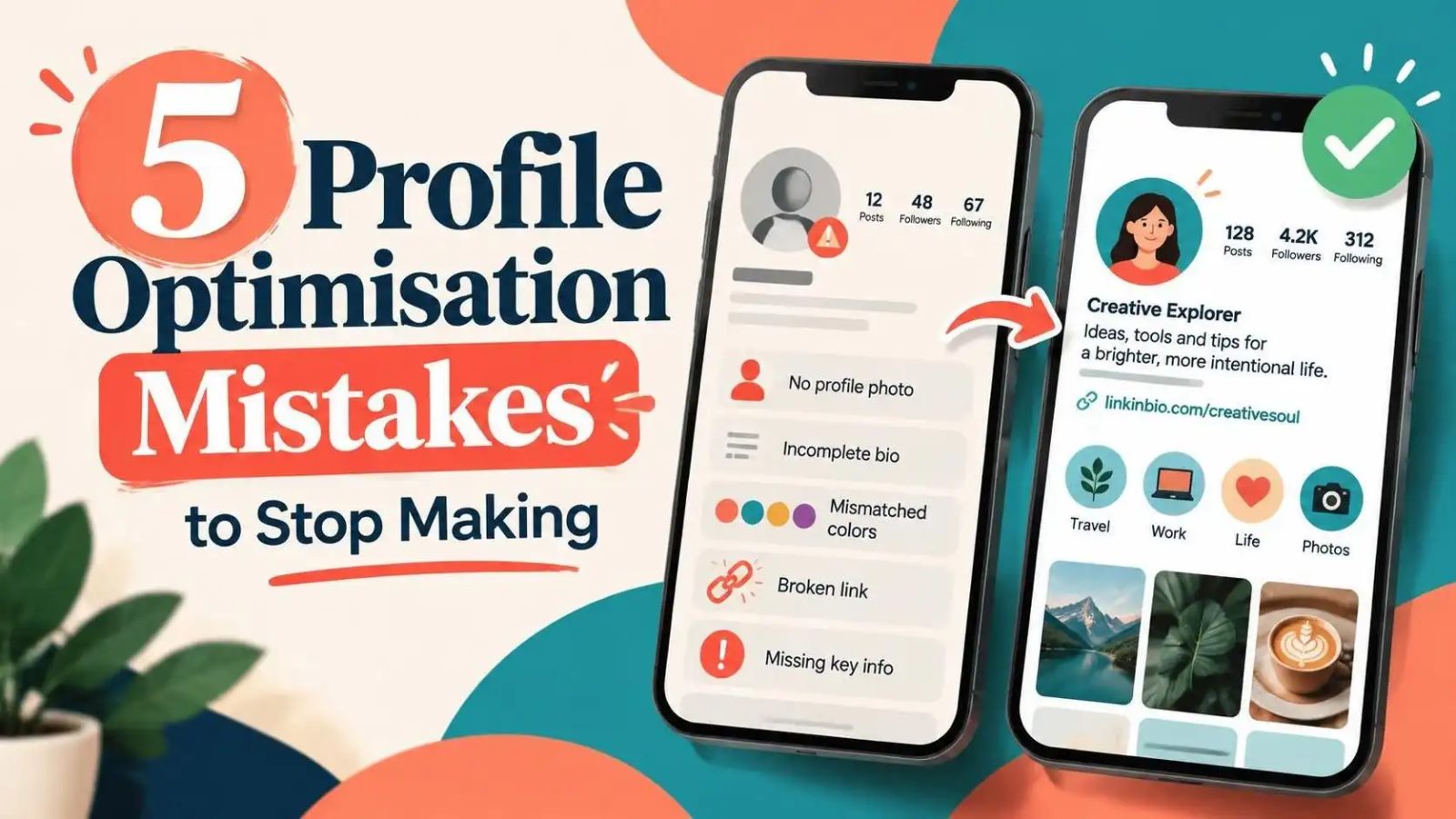
To get the most out of Pinterest, you need to avoid making common profile optimisation mistakes. Your profile is the first thing users see when they visit your page, and it can make or break their decision to follow you. By optimising your profile, you can increase your visibility, engagement, and reach on the platform.
Profile optimisation refers to the process of improving your profile to make it more attractive and effective. This includes using the right keywords, images, and descriptions to showcase your brand and content. A well-optimised profile can help you stand out in a crowded feed and attract more followers.
One of the key elements of profile optimisation is using the right keywords. You can use tools like the Board Description Writer to help you find the right keywords for your boards and profile.
Another important aspect of profile optimisation is using high-quality images. Your profile picture and banner should be clear, well-designed, and consistent with your brand's visual identity.
Profile optimisation is crucial because it can make or break your success on Pinterest. A well-optimised profile can help you increase your visibility, engagement, and reach, while a poorly optimised profile can lead to low engagement and few followers.
By optimising your profile, you can also improve your chances of appearing in search results and getting featured on Pinterest's main page. This can lead to a significant increase in traffic and engagement.
Additionally, a well-optimised profile can help you build trust and credibility with your audience. By showcasing your brand's personality and values, you can attract like-minded users and build a loyal following.
One of the most common profile optimisation mistakes is not using the right keywords. This can make it difficult for users to find your profile and content, and can lead to low engagement and few followers.
Another common mistake is not using high-quality images. Your profile picture and banner should be clear, well-designed, and consistent with your brand's visual identity.
You can use tools like the Pin Score Audit to evaluate your profile and identify areas for improvement. This can help you avoid common mistakes and optimise your profile for better visibility and engagement.
To avoid profile optimisation mistakes, you need to take a strategic approach to your profile. This includes using the right keywords, images, and descriptions to showcase your brand and content.
One of the best ways to avoid mistakes is to use a checklist. You can use the Pin Audit Checklist to evaluate your profile and identify areas for improvement.
Additionally, you can use tools like the Hook Generator to help you create engaging and effective descriptions for your profile and content.
To measure the success of your profile optimisation efforts, you need to track your analytics. You can use Pinterest's built-in analytics tool to track your engagement, reach, and clicks.
One of the key metrics to track is your engagement rate. This can help you understand how well your content is resonating with your audience and identify areas for improvement.
You can also use tools like the Batch Studio to help you create and schedule content in bulk. This can save you time and help you maintain a consistent posting schedule.
The best way to optimise your profile is to use a strategic approach that includes using the right keywords, images, and descriptions to showcase your brand and content. You can use tools like the Bio Generator to help you create an effective bio.
You should update your profile regularly to keep your content fresh and engaging. You can use tools like the Text to Pin to help you create new content quickly and easily.
No, each social media platform has its unique features and algorithms, so it's best to tailor your optimisation strategy to each platform. You can use tools like the Quote Card Maker to help you create content that is specific to Pinterest.
We design and publish pins every week, then write down what actually moved the numbers. More guides in the journal.
Learn how to optimize your pins for search with our beginner's guide to Pinterest SEO
ReadLearn how to create Pinterest pins that drive traffic and boost engagement with these actionable tips and tools
ReadBoost your Pinterest pins engagements with these expert tips and tools
ReadTurn your ideas into beautiful pins and grow your audience with the power of design. No credit card, no watermark.
PinPower is free for 10 pins a day. Share your link and every friend who joins adds 100 bonus pins to your account — and $5 in cash credit if they go premium.
No card needed. Unsubscribe from the programme any time.