
Idea Pins That Save an Hour a Week: A Simple Pinterest Batching System
Learn how to batch Pinterest Idea Pin-style content in one focused session, repurpose what you already have, and save time every week.
ReadLearn the basics of Pinterest SEO to increase your online visibility and drive traffic to your website
 PinPower TeamWriting about pins, search and slow growth
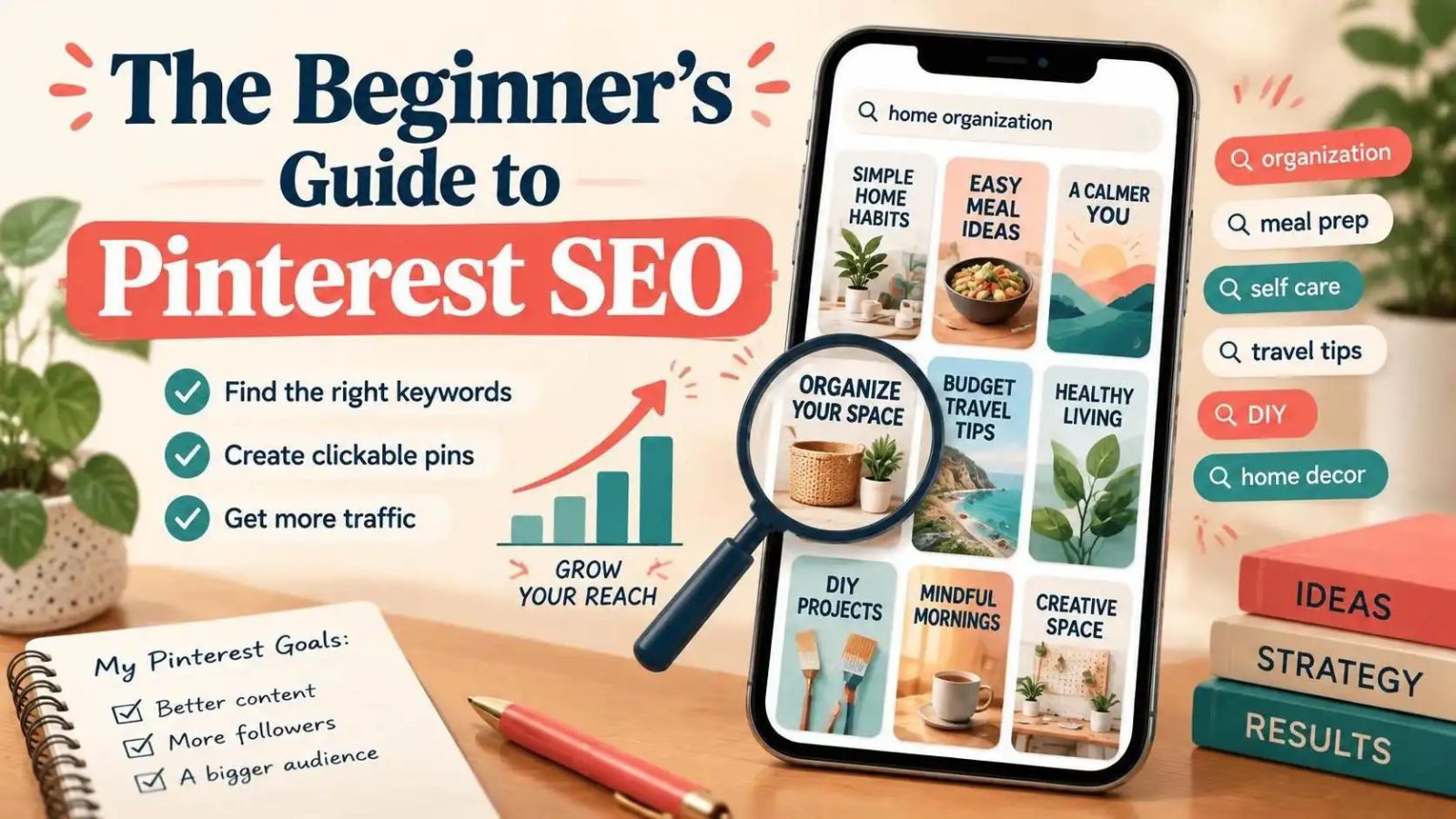
Pinterest SEO is a crucial aspect of any online marketing strategy, as it helps increase your online visibility and drive traffic to your website. The beginner’s guide to Pinterest SEO is designed to help you understand the basics of optimizing your Pinterest pins for search. By following the tips and techniques outlined in this guide, you can improve your Pinterest SEO and reach a wider audience.
Pinterest SEO refers to the process of optimizing your Pinterest pins to rank higher in search results. This involves using relevant keywords in your pin descriptions, using high-quality images, and making sure your pins are well-organized and easy to navigate. By optimizing your pins for search, you can increase your online visibility and drive more traffic to your website.
To get started with Pinterest SEO, you need to understand how the platform's algorithm works. The algorithm takes into account a variety of factors, including the keywords used in your pin descriptions, the quality of your images, and the engagement your pins receive. By understanding these factors, you can optimize your pins to rank higher in search results.
One of the key factors in Pinterest SEO is the use of relevant keywords. You can use tools like the Character Counter to ensure that your pin descriptions are within the recommended character limit and include the most relevant keywords.
Measuring the success of your Pinterest SEO efforts is crucial to understanding what works and what doesn't. One way to measure success is to track your website traffic and engagement metrics. You can use tools like Google Analytics to track the number of visitors coming to your website from Pinterest.
Another way to measure success is to track your Pinterest metrics, such as the number of impressions, clicks, and saves your pins receive. You can use the Pinterest analytics tool to track these metrics and understand how your pins are performing.
By tracking your metrics and adjusting your strategy accordingly, you can improve your Pinterest SEO and reach a wider audience. For example, you can use the Pin Score Audit to score your pins out of 100 against Pinterest best practice and identify areas for improvement.
There are several options for optimizing your Pinterest pins, including using relevant keywords, high-quality images, and descriptive text. You can also use Pinterest's built-in features, such as Rich Pins and Shopping Ads, to increase your online visibility and drive traffic to your website.
Another option is to use Pinterest SEO tools, such as the Aspect Ratio Calculator, to ensure that your images are the correct size and ratio for Pinterest. By using these tools, you can optimize your pins and improve your Pinterest SEO.
You can also use the Batch Studio to create a month's worth of pins in advance, saving you time and effort. This tool allows you to create multiple pins at once, using a variety of templates and designs.
The best option for optimizing your Pinterest pins will depend on your specific situation and goals. For example, if you're just starting out with Pinterest, you may want to focus on using relevant keywords and high-quality images to increase your online visibility.
If you're looking to drive more traffic to your website, you may want to use Pinterest's built-in features, such as Rich Pins and Shopping Ads. You can also use the URL to Pin tool to create multiple pins from a single URL, saving you time and effort.
By understanding your goals and situation, you can choose the best option for optimizing your Pinterest pins and improving your Pinterest SEO. For example, you can use the Text to Pin tool to create multiple pins from a single topic, using a variety of templates and designs.
There are several mistakes to avoid when it comes to Pinterest SEO, including using irrelevant keywords, low-quality images, and descriptive text that is too long or too short. You can use the Description Formatter to clean up your pin descriptions and ensure they are within the recommended character limit.
Another mistake to avoid is not using Pinterest's built-in features, such as Rich Pins and Shopping Ads. These features can help increase your online visibility and drive traffic to your website.
By avoiding these mistakes, you can improve your Pinterest SEO and reach a wider audience. For example, you can use the Hook Formula Generator to create attention-grabbing headlines for your pins, using proven Pinterest hooks and formulas.
To check if your Pinterest SEO efforts are working, you need to track your metrics and adjust your strategy accordingly. You can use tools like Google Analytics to track the number of visitors coming to your website from Pinterest.
Another way to check is to track your Pinterest metrics, such as the number of impressions, clicks, and saves your pins receive. You can use the Pinterest analytics tool to track these metrics and understand how your pins are performing.
By tracking your metrics and adjusting your strategy, you can improve your Pinterest SEO and reach a wider audience. For example, you can use the Image Size Checker to ensure that your images are the correct size and ratio for Pinterest, and adjust your strategy accordingly.
Pinterest SEO is important because it helps increase your online visibility and drive traffic to your website. By optimizing your pins for search, you can reach a wider audience and improve your brand awareness.
To get started with Pinterest SEO, you need to understand how the platform's algorithm works and use relevant keywords, high-quality images, and descriptive text to optimize your pins. You can also use Pinterest SEO tools to help you get started.
Some common mistakes to avoid in Pinterest SEO include using irrelevant keywords, low-quality images, and descriptive text that is too long or too short. You can use tools like the Bio Generator to create a 160-character Pinterest bio that says what you make and who for, and avoid these mistakes.
We design and publish pins every week, then write down what actually moved the numbers. More guides in the journal.
Learn how to batch Pinterest Idea Pin-style content in one focused session, repurpose what you already have, and save time every week.
ReadMake your pins stand out in a crowded feed with these 10 tips and tricks
ReadFollow Pinterest trends without breaking the bank, learn what to skip and what to prioritize
ReadTurn your ideas into beautiful pins and grow your audience with the power of design. No credit card, no watermark.
PinPower is free for 10 pins a day. Share your link and every friend who joins adds 100 bonus pins to your account — and $5 in cash credit if they go premium.
No card needed. Unsubscribe from the programme any time.