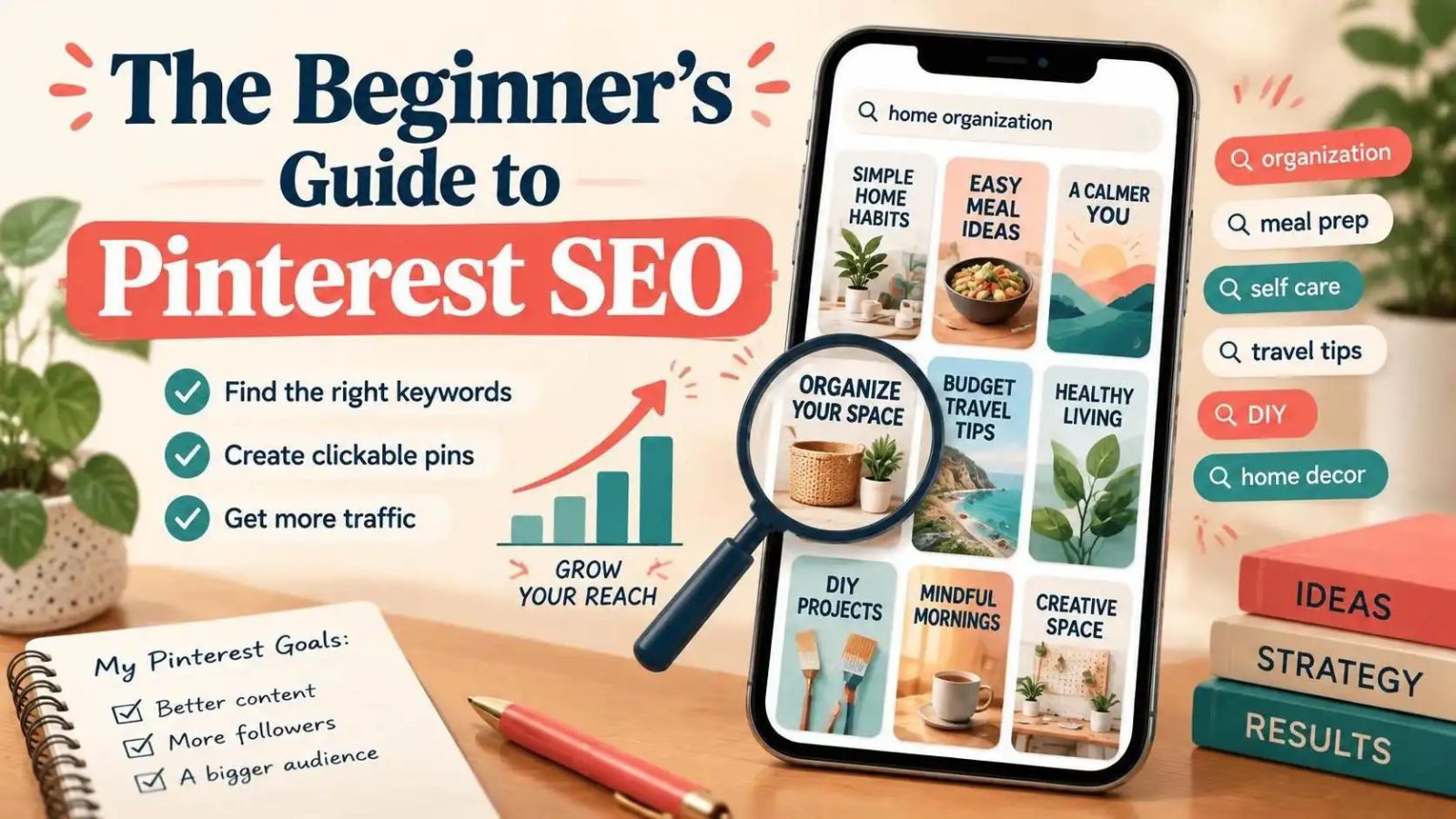
The beginner’s guide to Pinterest SEO
Learn the basics of Pinterest SEO to increase your online visibility and drive traffic to your website
ReadMake your pins stand out in a crowded feed with these 10 tips and tricks
 PinPower TeamWriting about pins, search and slow growth
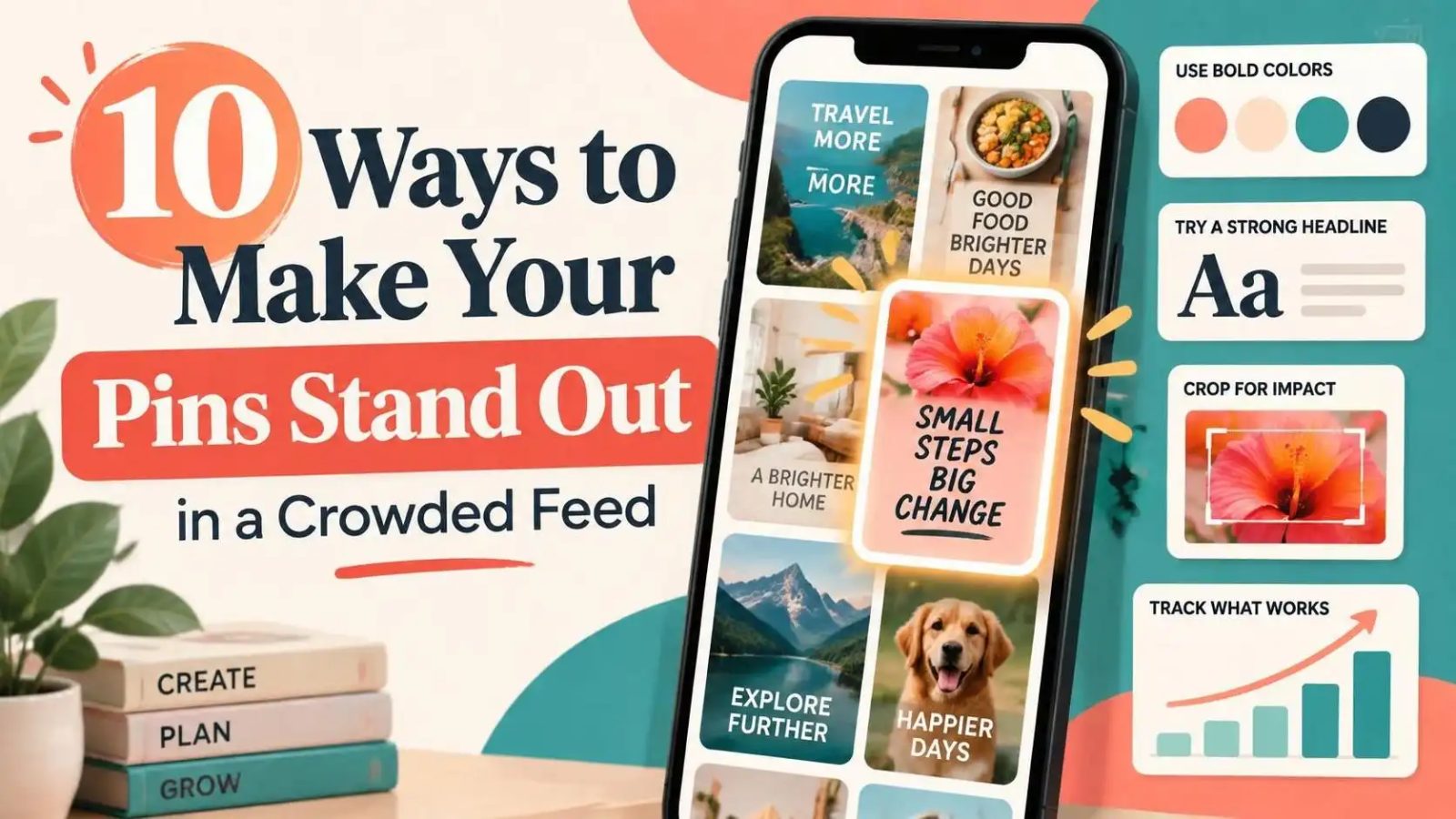
To make your pins stand out in a crowded feed, you need to create visually appealing and engaging content that grabs the user's attention. With millions of pins being posted every day, it can be challenging to get your pins noticed. However, with the right strategies and tools, you can increase your pins' visibility and engagement. One way to start is by using the Pin Feed Preview to see exactly where your title and description get cut off.
The first step to making your pins stand out is to understand the constraint of the Pinterest feed. The feed is a crowded and competitive space, with users scrolling through hundreds of pins every day. To stand out, your pins need to be visually appealing and attention-grabbing. You can use bold graphics and bright colors to make your pins more noticeable.
Another way to understand the constraint is to analyze your competitors' pins. Look at what types of pins are performing well in your niche and identify areas for improvement. You can use tools like the Pin Score Audit to analyze your pins and identify areas for improvement.
By understanding the constraint of the Pinterest feed, you can create pins that are tailored to the platform and more likely to stand out. For example, you can use a 2:3 aspect ratio to make your pins more visually appealing.
To measure the success of your pins, you need to track your engagement metrics, such as likes, comments, and repins. You can use Pinterest Analytics to track your metrics and identify areas for improvement. One way to measure success is to track your engagement rate, which is the number of engagements per 100 views.
Another way to measure success is to track your website traffic and conversions. If your pins are driving traffic to your website and generating conversions, then they are successful. You can use tools like Google Analytics to track your website traffic and conversions.
By measuring the success of your pins, you can identify areas for improvement and adjust your strategy accordingly. For example, you can use the URL to Pin tool to create multiple pins from a single URL and track their performance.
There are several options for creating standout pins, including using high-quality images, bold graphics, and attention-grabbing headlines. You can also use tools like the Quote Card Maker to create visually appealing quote pins.
Another option is to use video pins, which can be more engaging and attention-grabbing than static images. You can use tools like the Batch Studio to create multiple video pins at once.
By using a combination of these options, you can create pins that stand out in a crowded feed and drive engagement. For example, you can use a bold font to make your headlines more noticeable.
The best option for creating standout pins depends on your target audience and the type of content you are creating. For example, if you are creating pins for a fashion brand, you may want to use high-quality images and bold graphics to make your pins more visually appealing.
If you are creating pins for a business or marketing brand, you may want to use attention-grabbing headlines and informative descriptions to make your pins more engaging. You can use the Text to Pin tool to create multiple pins from a single topic.
By choosing the right option for your situation, you can create pins that resonate with your target audience and drive engagement. For example, you can use a call-to-action to encourage users to engage with your pins.
One of the biggest mistakes you can make when creating pins is to use low-quality images or graphics. This can make your pins look unprofessional and unengaging. Instead, use high-quality images and graphics to make your pins more visually appealing.
Another mistake is to use too much text or cluttered descriptions, which can make your pins look overwhelming and unengaging. Instead, use clear and concise language to make your pins more readable. You can use the Bio Generator to create a clear and concise bio that describes your brand.
To check if your pins are working, you need to track your engagement metrics and adjust your strategy accordingly. You can use Pinterest Analytics to track your metrics and identify areas for improvement.
Another way to check if your pins are working is to use tools like the Pin Score Audit to analyze your pins and identify areas for improvement. You can also use the Pin Resizer to resize your pins to the optimal size.
By checking if your pins are working, you can identify areas for improvement and adjust your strategy accordingly. For example, you can use a split test to compare the performance of different pins and identify which ones are working best.
The best way to create standout pins is to use a combination of high-quality images, bold graphics, and attention-grabbing headlines, and to track your engagement metrics to identify areas for improvement.
You can make your pins more discoverable by using relevant keywords, hashtags, and descriptions, and by utilizing tools like the Pin Score Audit to ensure your pins meet Pinterest's best practices.
Yes, you can use emojis in your pin descriptions to make them more visually appealing and engaging, and you can use the Pin Emoji Picker to find the perfect emojis for your pins.
We design and publish pins every week, then write down what actually moved the numbers. More guides in the journal.
Learn the basics of Pinterest SEO to increase your online visibility and drive traffic to your website
ReadLearn how to batch Pinterest Idea Pin-style content in one focused session, repurpose what you already have, and save time every week.
ReadFollow Pinterest trends without breaking the bank, learn what to skip and what to prioritize
ReadTurn your ideas into beautiful pins and grow your audience with the power of design. No credit card, no watermark.
PinPower is free for 10 pins a day. Share your link and every friend who joins adds 100 bonus pins to your account — and $5 in cash credit if they go premium.
No card needed. Unsubscribe from the programme any time.